Venue Setup
Fits the kit you already have.
Shotimer runs in a web browser, so there are no dongles, drivers, or apps. If a device can show a web page, it can be a stage display.
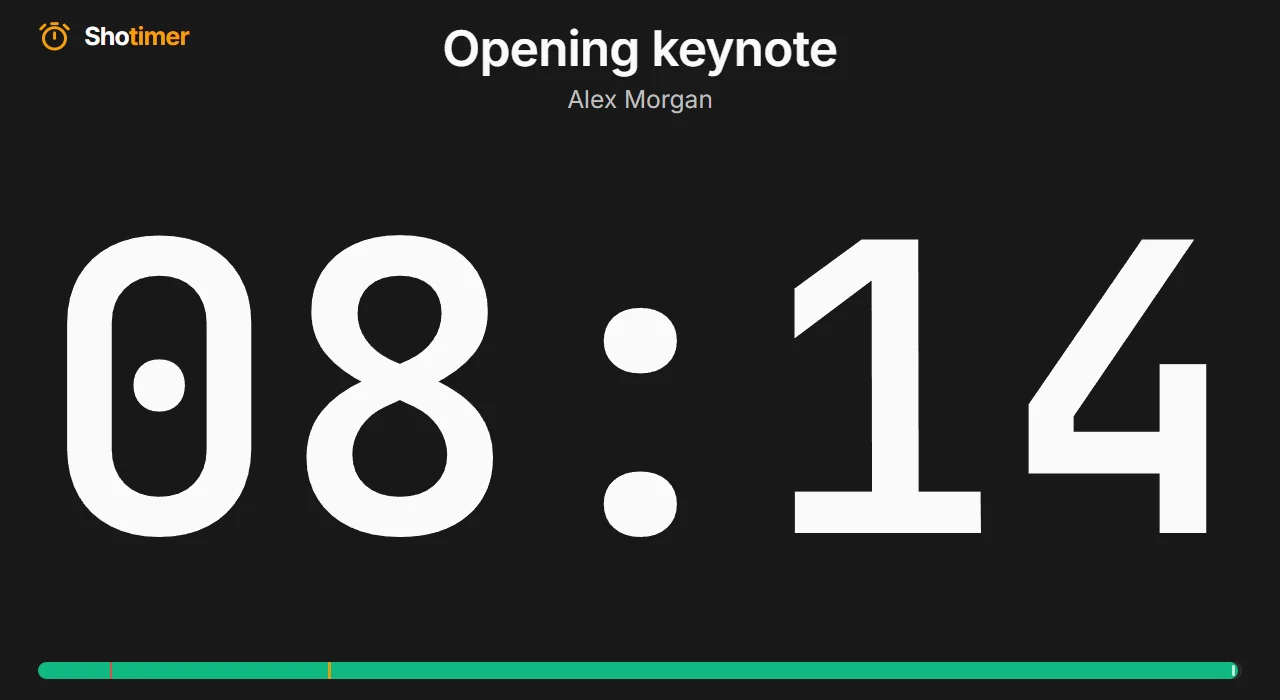
Stage monitors and confidence screens
Run the display on a smart TV browser, tablet, or laptop, including one feeding your venue's existing video system.
- Fits any screen: The timer scales itself to fill the display, in landscape or portrait.
- Stays awake: Screen wake lock helps stop the display sleeping, on browsers that support it.
- Blackout on demand: Clear every display to pure black in one tap, then bring it back.
Control from a phone or the AV desk
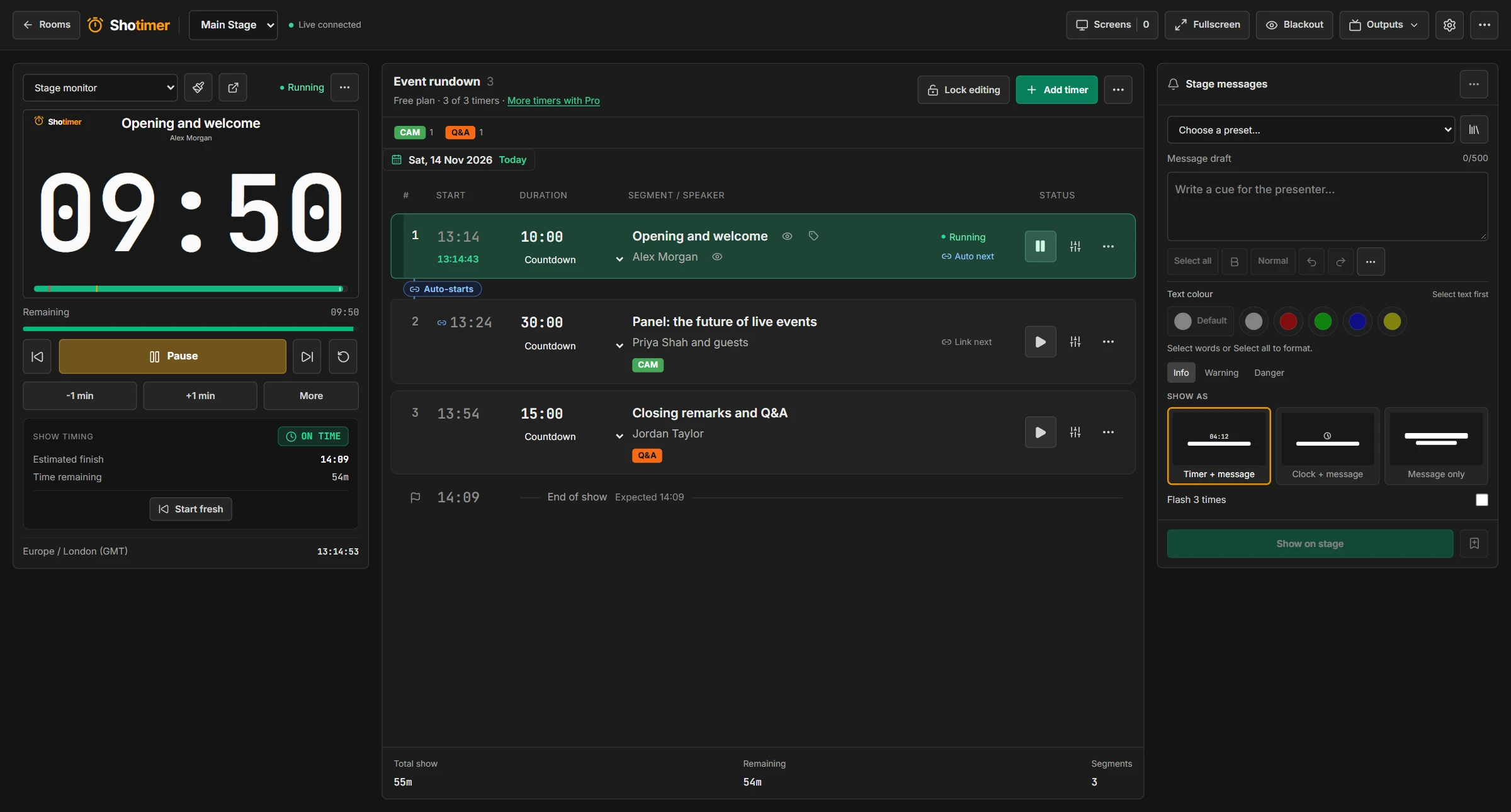
Use the full console on a laptop, or scan a QR code to run the show from your phone.
- Full transport: Start, pause, reset, skip between segments, and add or remove a minute.
- Keyboard shortcuts: Operate the console from the keyboard during a live show.
- Honest connection status: See when screens are connected, and get a warning if the link drops.
A separate link for each role
Give each person only the access they need, and take it away again whenever you like.
- Operators run the timers, while moderators can only send stage messages.
- Stage and agenda screens are view-only, and agenda screens never show speaker notes.
- Revoke access for a single device, or replace every shared link at once.
On the roadmap
These aren't available yet. We'll announce them when they're ready.
- OBS overlay
- Audience Q&A
Want to try Shotimer at your venue?
Create a free account and try it with your own screens.
Create a free account