A church and sermon timer your volunteers can run from a phone
Show a countdown to the start of the service, keep each part of it on time, and let the worship leader and preacher see exactly how long is left. It runs in a web browser, so there is nothing for volunteers to install.
Free plan: 3 rooms, 3 timers and 3 screens per room. No card needed.
Count down to the start of the service
Put a countdown on the screens in the hall, so everyone knows when the service begins, and the band and tech team are ready on the minute.
- Finish on the hour: enter the time the countdown should end, such as 10:30, and Shotimer works out the duration.
- Starts by itself: give a timer a start time and it begins on its own, while the Controller is open.
- Time of day: before the countdown begins, a timer can simply show the current time.
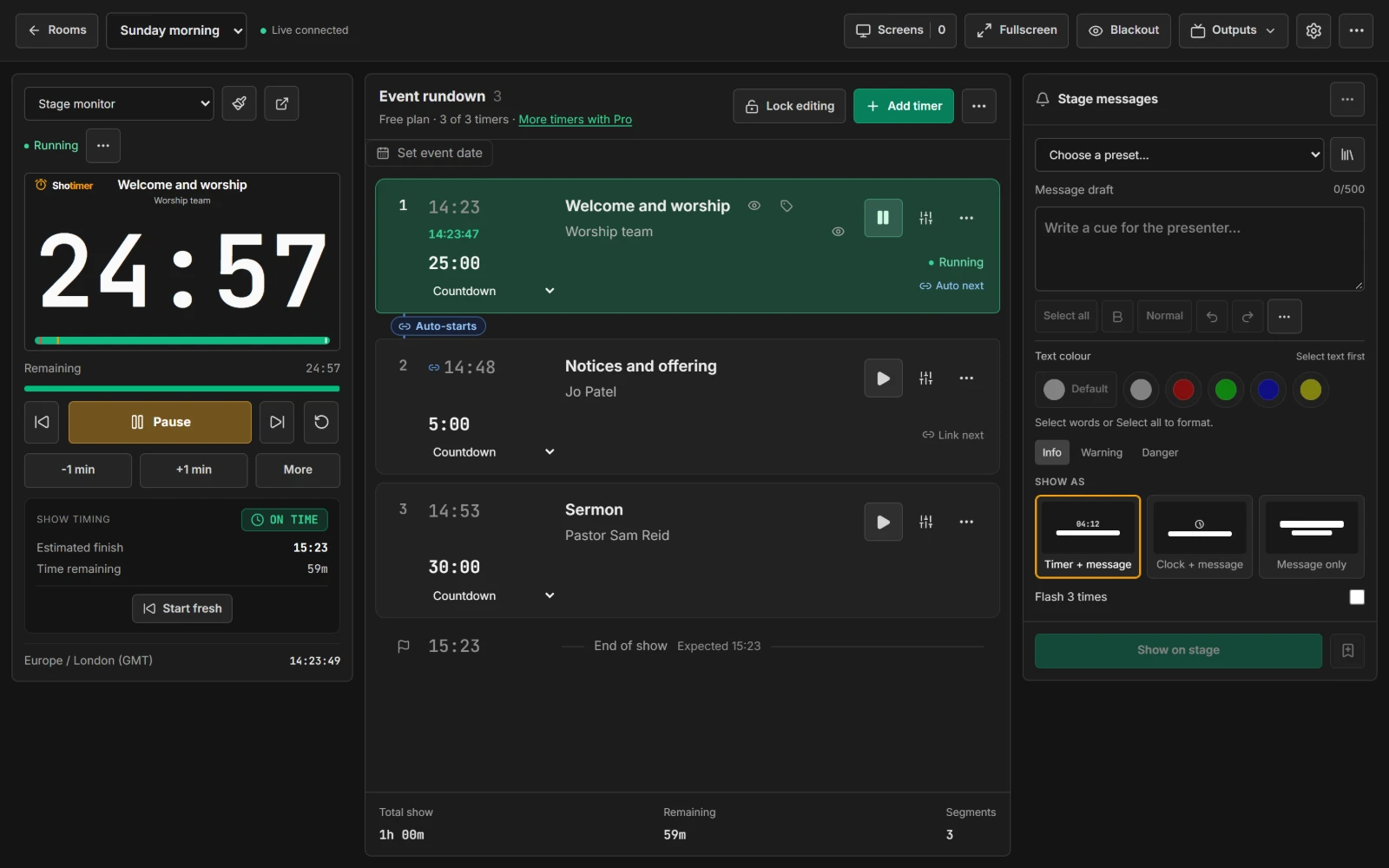
Keep worship and the sermon on time
Set up each part of the service as its own timer. The preacher sees a large, clear countdown, and you can see whether the whole service is running over.
- Warning colours: the digits turn yellow with 2 minutes left and red with 30 seconds left. You choose the times.
- One after another: link timers so the next part of the service starts as soon as one ends.
- Over or under: see how far the service is running over and when it will finish, which helps the children's team know when to bring the children back.
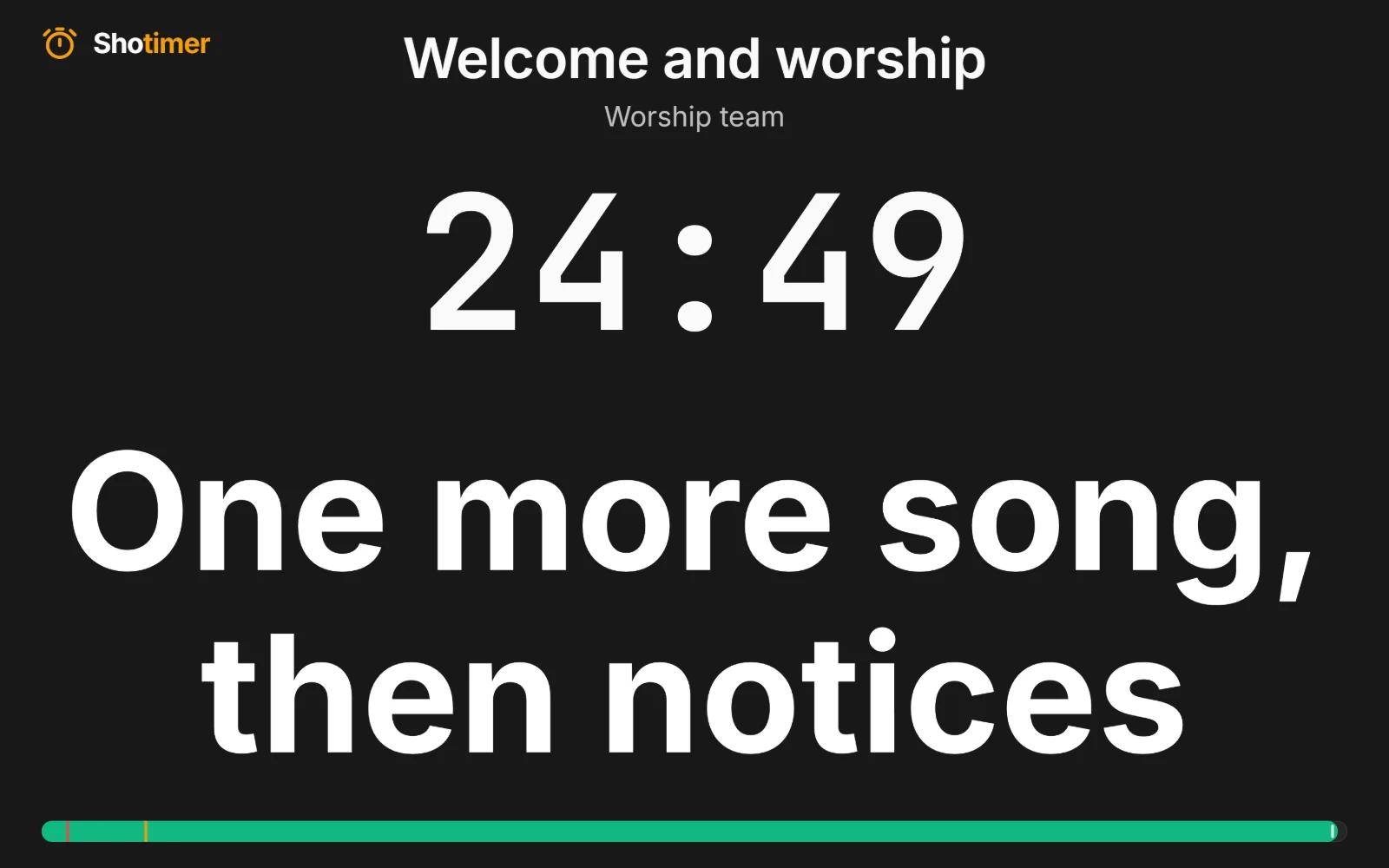
Talk to the stage without saying a word
Send a short note to the confidence monitor, such as “One more song” or “Please wrap up”. It appears straight away and stays until you clear it.
- Ready-made messages: such as 5 MIN LEFT and MIC CLOSER PLEASE, or save your own.
- Colours and bold: make one word stand out in red or yellow.
- A link for the worship leader: a Moderator link can send messages without changing the timer.
Made for volunteer teams
Rotas change every week, so Shotimer keeps things simple. If someone can open a web page, they can run the timer.
- Nothing to install: open a link or scan a QR code on any TV, tablet, laptop or phone.
- No accidents: Lock editing stops a stray tap changing the running order, while Start and Pause still work.
- Older iPads welcome: Shotimer works on Safari 14 and later, so a spare tablet can become a stage screen.
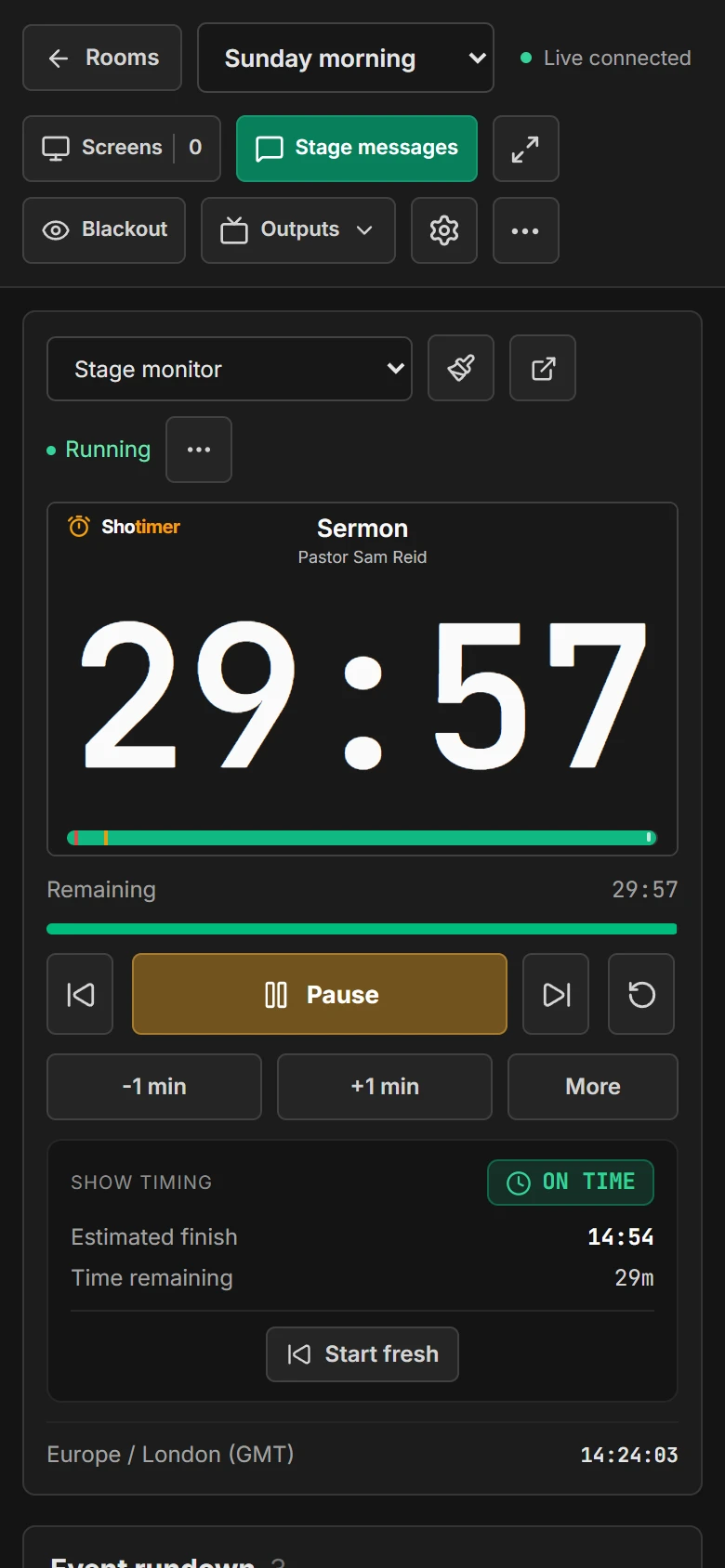
Ready in three steps.
Set up your running order
Create a free account, open a room and give each timer a title, a speaker and a duration.
Put the timer on a screen
Open the stage screen in a new tab, or scan its QR code on a TV, tablet or phone. Nothing to install.
Press Start
Every screen counts down together. Add a minute, send a message or move to the next timer from your laptop or phone.
Frequently asked questions.
Learn more in the docs
More ways to use Shotimer
Try Shotimer at your next service.
Create a free account and put a timer on your own screens in a few minutes.
Create a free account