A speech timer and debate timer everyone can see
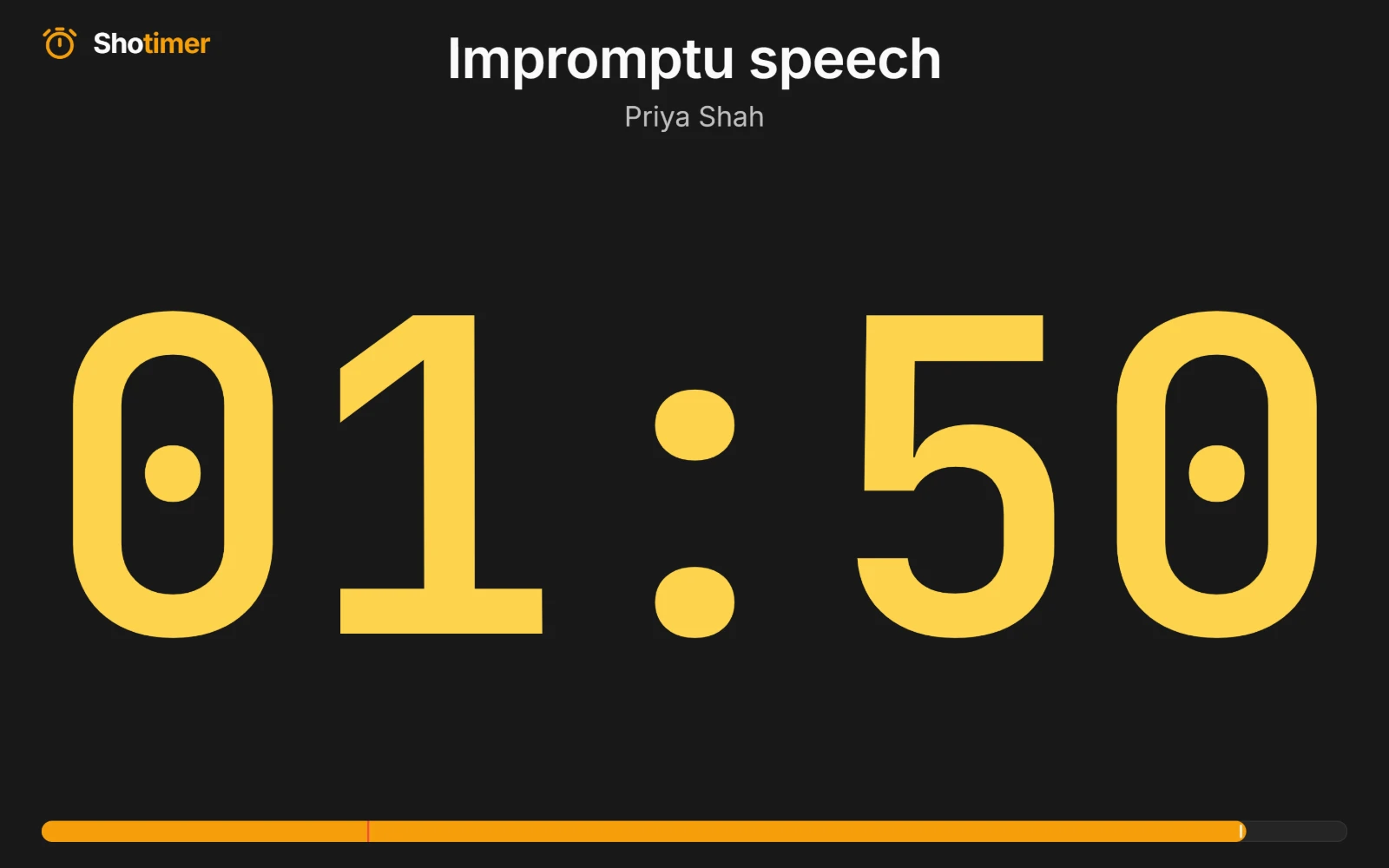
Give every speaker the same fair, visible time limit. The countdown fills the screen, turns yellow and then red at the times you choose, and can stop at zero or show how far over a speaker went.
Free plan: 3 rooms, 3 timers and 3 screens per room. No card needed.
A time limit everyone can see
The countdown fills the screen, so the speaker, the chair and the audience all see the same time. No more holding up cards.
- Your warning times: set when the digits turn yellow and red for each speech, in seconds remaining.
- Stop at zero, or show overtime: hold at 00:00, or keep counting so everyone sees how far over a speaker went.
- Count up if you prefer: a count-up timer runs from zero to the limit, with the same warning colours.
Speaker after speaker, without fuss
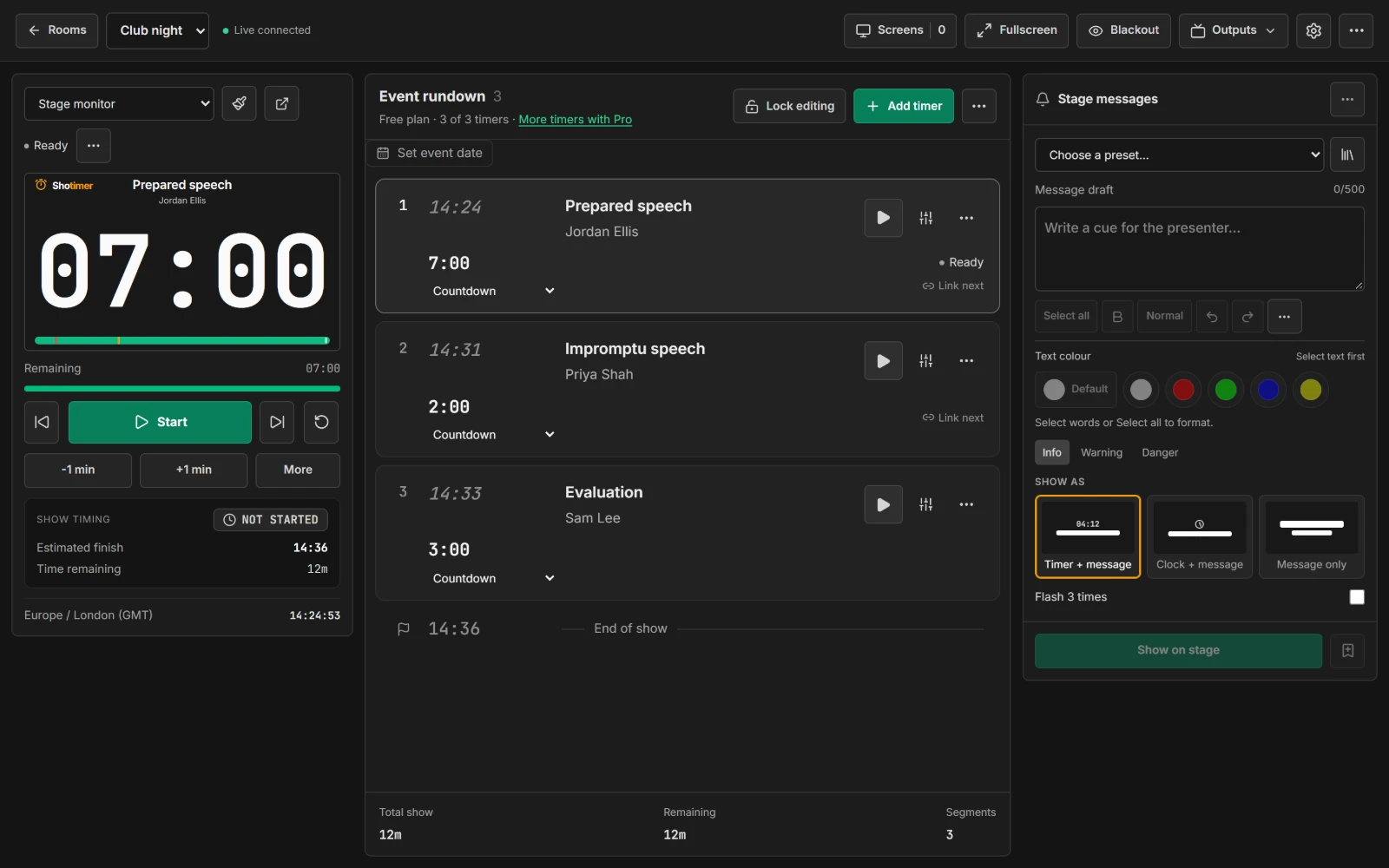
Add each speech or round as a timer, with the speaker's name. The timekeeper moves on with one button or one key.
- Next speaker: press the next button, or the right arrow key.
- Reset in a second: press R to run the same timer again.
- Linked rounds: link timers so the next one starts as soon as one ends, for timed debate rounds.
Works with whatever screen you have
Club rooms and contest venues rarely have the same kit twice. Shotimer runs in a web browser, so any screen will do.
- Any screen: a TV, a projector, a laptop facing the speaker, a tablet or a phone.
- No installs: open a link or scan a QR code, and the screen is ready.
- Just the numbers: Timer only hides the title for the biggest possible digits.
Ready in three steps.
Set up your running order
Create a free account, open a room and give each timer a title, a speaker and a duration.
Put the timer on a screen
Open the stage screen in a new tab, or scan its QR code on a TV, tablet or phone. Nothing to install.
Press Start
Every screen counts down together. Add a minute, send a message or move to the next timer from your laptop or phone.
Frequently asked questions.
Learn more in the docs
More ways to use Shotimer
Try Shotimer at your next contest.
Create a free account and put a timer on your own screens in a few minutes.
Create a free account