An exam timer and classroom countdown everyone can read
Put a large, clear countdown on the classroom projector or the screens in an exam hall. It runs silently on the screen, so it never disturbs anyone, and you can control it from your laptop or phone.
Free plan: 3 rooms, 3 timers and 3 screens per room. No card needed.
A countdown the back row can read
Open the timer on the classroom projector or the screens in an exam hall. The digits fill the screen, and nothing on the screen makes a sound.
- Silent screens: chimes are optional and only ever play on the teacher's computer.
- Warning colours: the digits turn yellow and red near the end, at times you choose.
- Time of day: show the current time before an exam starts or between lessons.
Reminders without saying a word
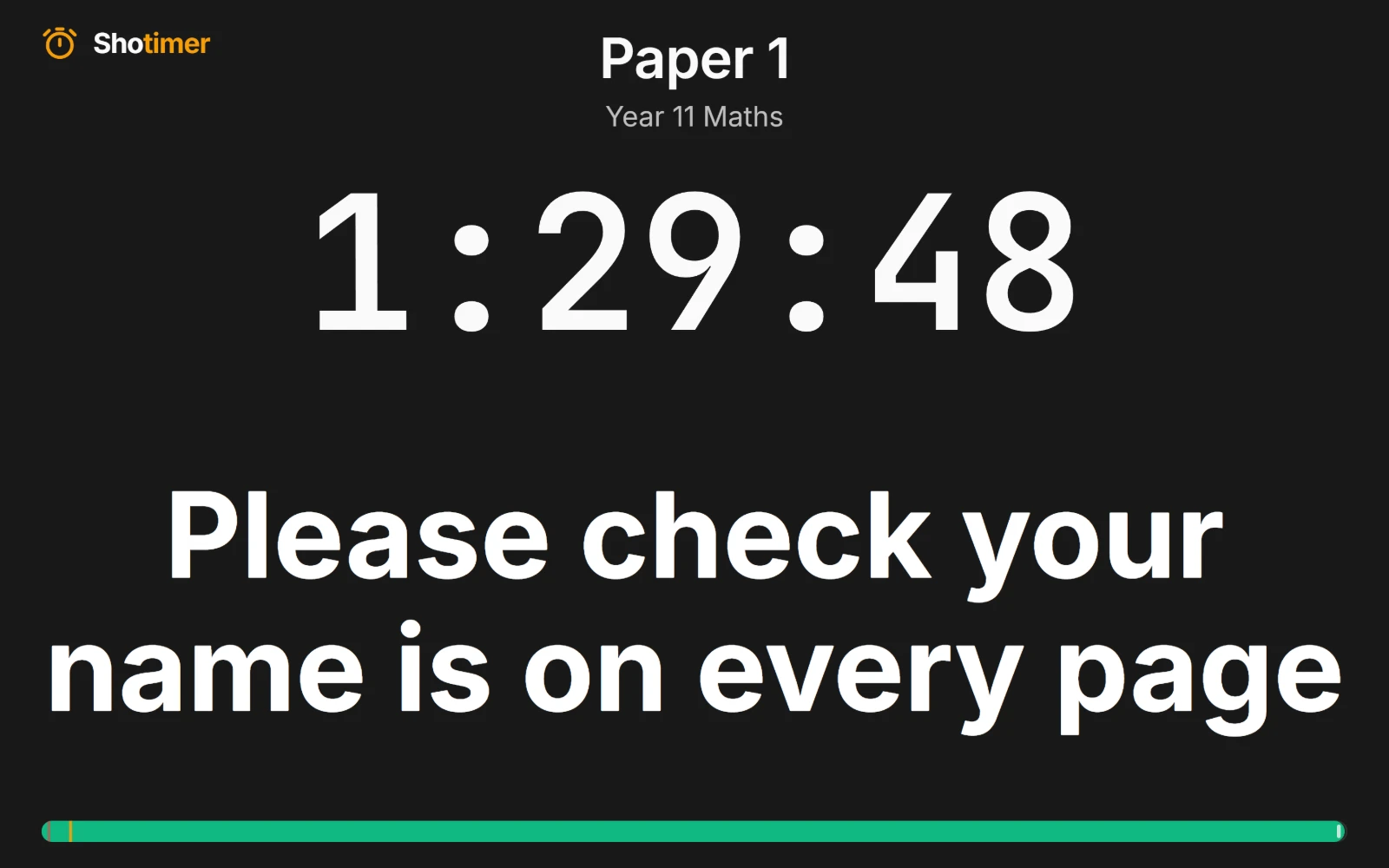
Type a reminder and show it on every screen at once, such as “15 minutes left” or “Check your name is on every page”. It stays until you clear it.
- On every screen: the projector and the screens at the back show the same message.
- Save your reminders: keep the ones you use every week, and send them with two clicks.
- Blackout: blank the screens when you need everyone's attention.
Set up once, use every lesson
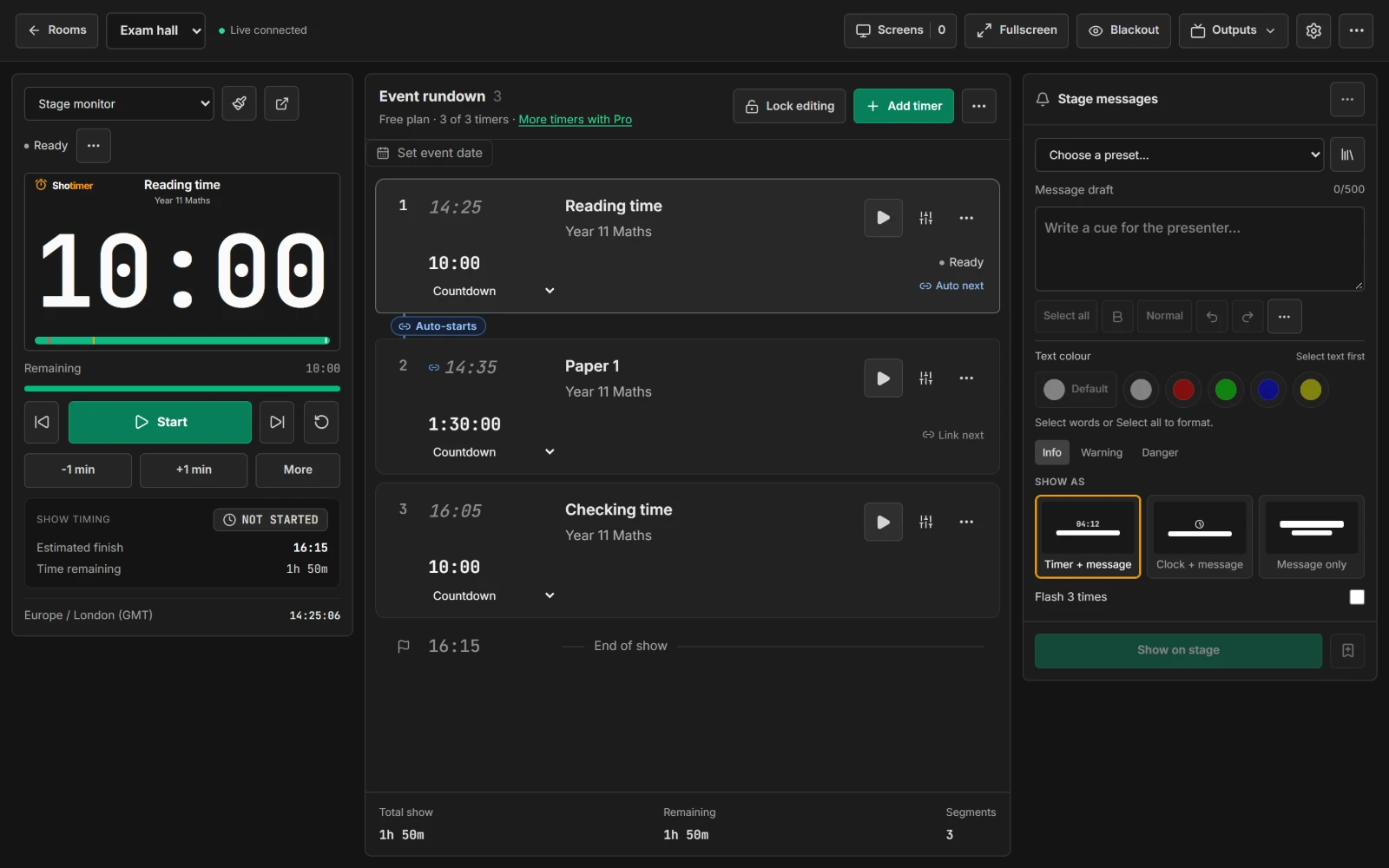
Your rooms and timers are saved to your account, ready on any computer you sign in to.
- Starts on time: give a timer a start time, such as 09:00, and it starts by itself while the Controller is open.
- No accounts for students: screens open from a link or QR code.
- Control from anywhere in the room: run the timer from your laptop or your phone.
Ready in three steps.
Set up your running order
Create a free account, open a room and give each timer a title, a speaker and a duration.
Put the timer on a screen
Open the stage screen in a new tab, or scan its QR code on a TV, tablet or phone. Nothing to install.
Press Start
Every screen counts down together. Add a minute, send a message or move to the next timer from your laptop or phone.
Frequently asked questions.
Learn more in the docs
More ways to use Shotimer
Try Shotimer at your next lesson.
Create a free account and put a timer on your own screens in a few minutes.
Create a free account