A presentation timer that shows how long you have left
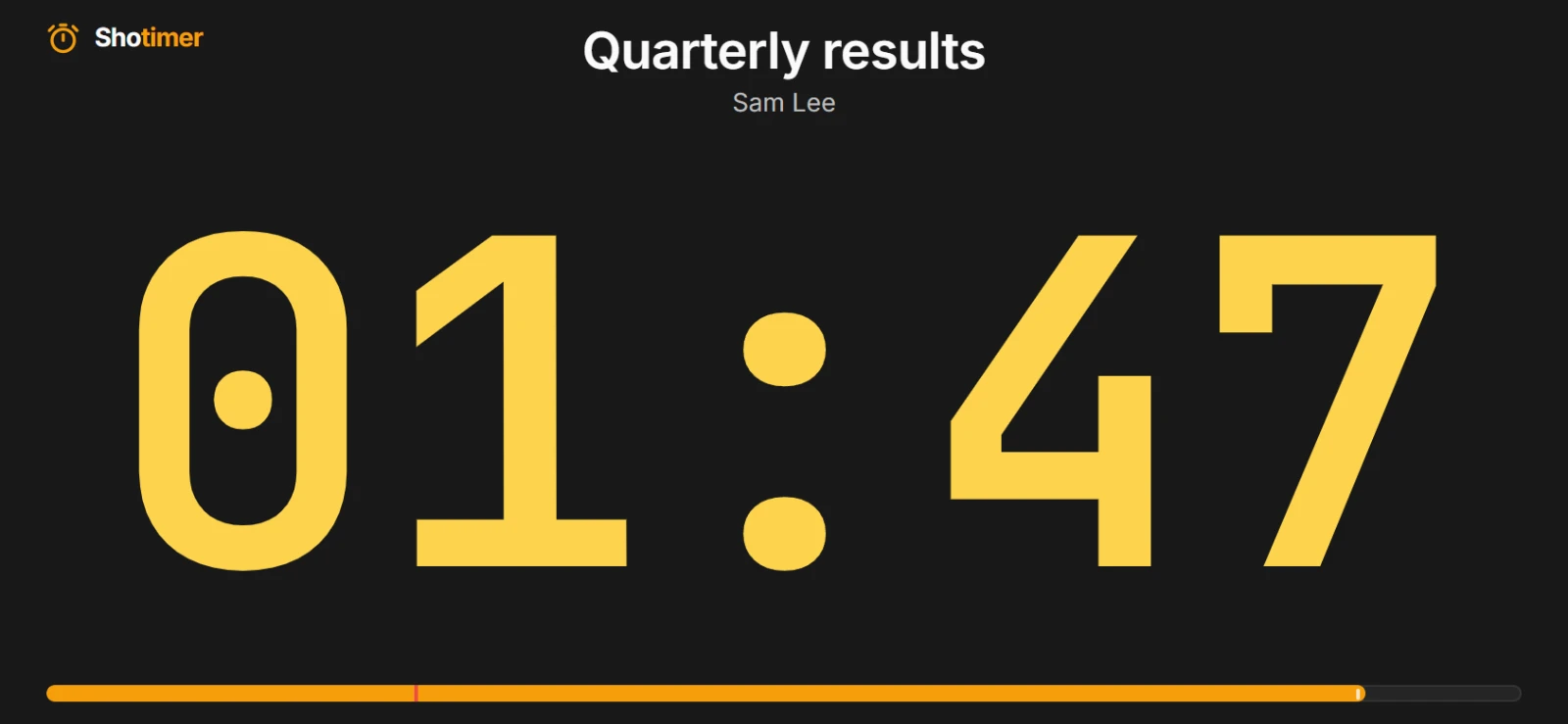
Put a large, clear countdown where you can see it while you speak: on a tablet by the lectern, a phone, or a second screen. It turns yellow, then red, as time runs out, so you never have to check your watch.
Free plan: 3 rooms, 3 timers and 3 screens per room. No card needed.
See your time at a glance
Open the stage screen on a tablet or phone in front of you, or on a second monitor. The countdown fills the screen, so you can read it from across the room.
- Yellow, then red: the digits change colour as time runs out, by default with 2 minutes and 30 seconds left.
- Just the numbers: Timer only hides the title and speaker, for the biggest possible digits on a small screen.
- Stays awake: Shotimer asks the device to keep its screen on while you speak.
Run it yourself, or let a colleague keep time
Control the timer from your laptop's keyboard, or send the Controller link to a colleague at the back of the room so you can focus on your talk.
- Keyboard shortcuts: Space starts and pauses, and the arrow keys move between timers.
- A nudge when you need it: your colleague can add a minute, or send “Slow down” or “Wrap up” to your screen.
- Nothing to install: it all runs in a web browser, alongside PowerPoint, Keynote or Google Slides.
Practise until the timing is right
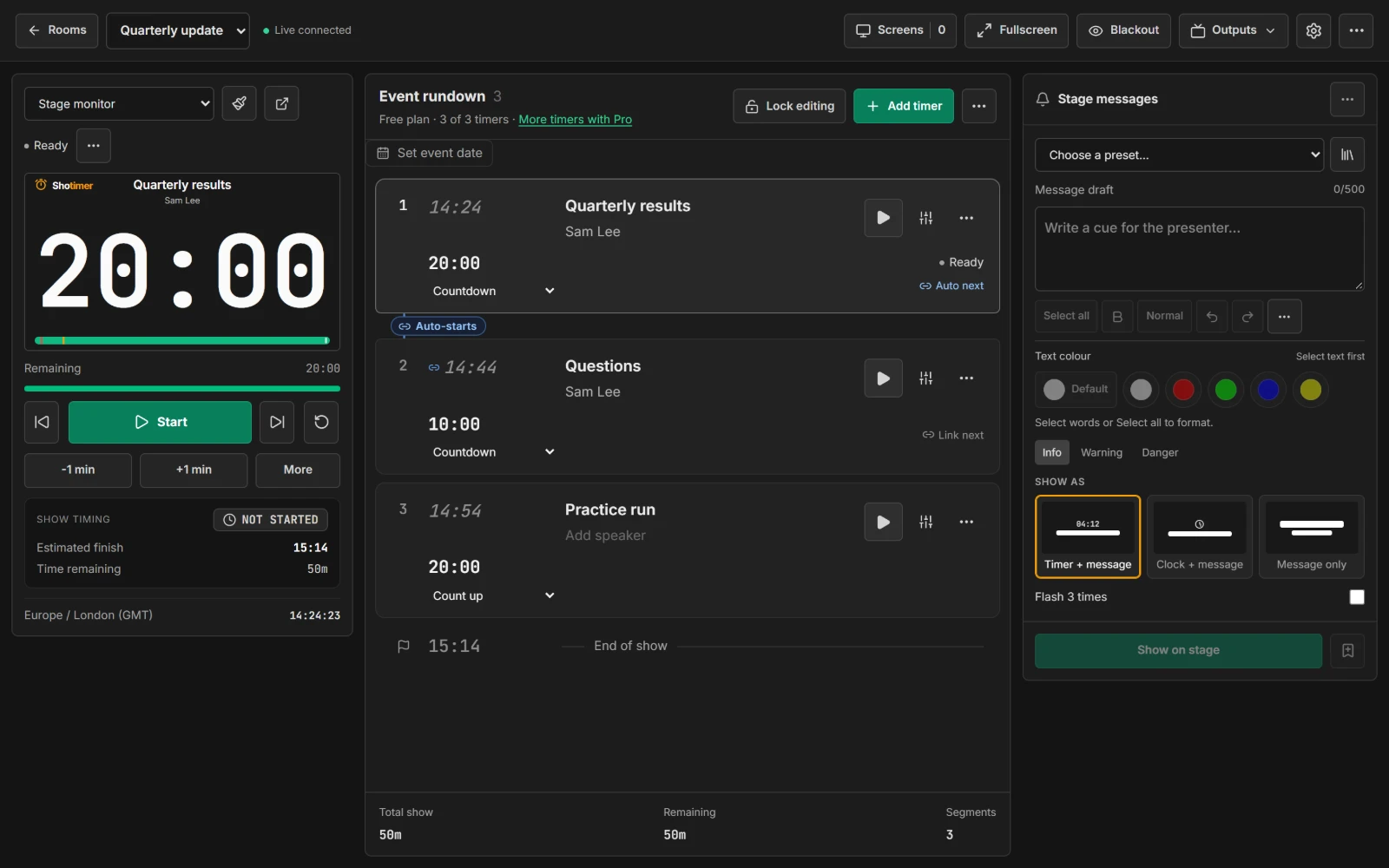
Time your rehearsals the same way you'll time the real thing.
- Count up: see how long a run-through really takes.
- Hold at zero: stop at 00:00 instead of counting into overtime, if you'd rather not see how far over you went.
- Talk and questions: link a timer for your talk to one for questions, so the second starts as the first ends.
Ready in three steps.
Set up your running order
Create a free account, open a room and give each timer a title, a speaker and a duration.
Put the timer on a screen
Open the stage screen in a new tab, or scan its QR code on a TV, tablet or phone. Nothing to install.
Press Start
Every screen counts down together. Add a minute, send a message or move to the next timer from your laptop or phone.
Frequently asked questions.
Learn more in the docs
More ways to use Shotimer
Try Shotimer at your next talk.
Create a free account and put a timer on your own screens in a few minutes.
Create a free account