Room settings
The event date, time zone, how clocks and timers are written, overtime, and timing settings for a room.
Room settings apply to the whole room: every timer and every screen. Open them from the room button at the top of the Controller (the one that looks like a cog), and choose Room settings. You can also click the event date at the top of the rundown, or the time zone under the preview.
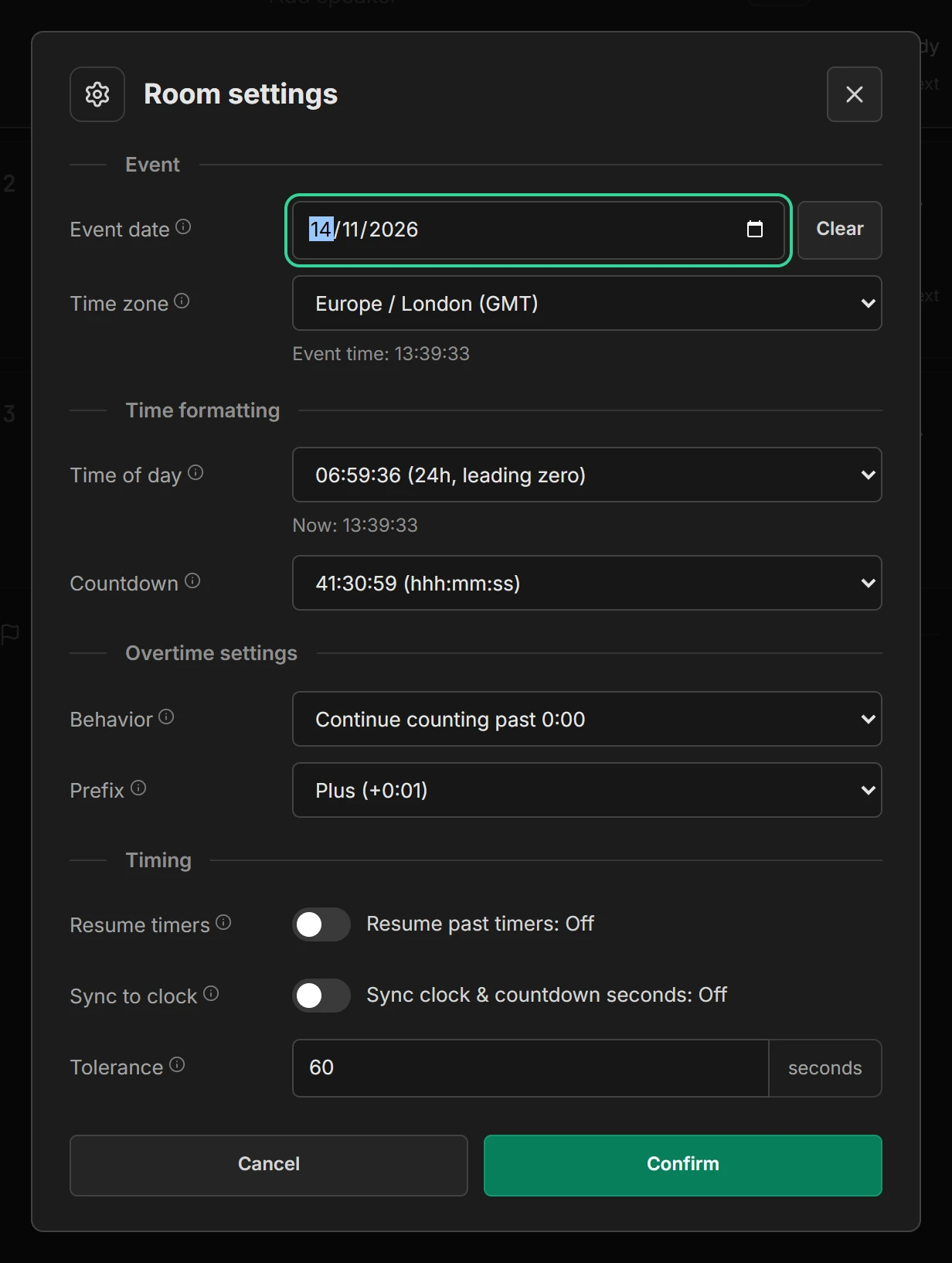
Change what you need and press Confirm. Cancel leaves everything as it was. Point at the i beside any setting for an explanation.
Event date and time zone
- Event date is the day of the show. Scheduled timers only start by themselves on this day. Before the show, the plan uses it, so Show timing can say Starts in 2d 1h. Press Clear to remove it. See Event date.
- Time zone is where the event happens. Every screen in the room shows this time, wherever it is: a stage screen opened in New York for a London show shows London time. Start times are in this time zone too. A new room takes the time zone of the device that first opens its Controller.
When your device is in a different time zone, the Controller shows Your time under the room’s time, for comparison.
How times are written
- Time of day sets how the clock is written on every screen, such as 14:30:05, 2:30 PM or 14:30 without seconds. The window shows the time now in the format you pick.
- Countdown sets how timers are written, such as 1:30:00, 90:00, 90 (minutes only) or 1h 30m. Formats without seconds round up, so the number is never less than the time left: with 4:59 left, minutes only shows 5.
Overtime
- Behavior: Continue counting past 0:00 (the default) shows how far over the speaker is. Stop counting at 0:00 holds every timer at zero. A timer linked to the next one always moves on at zero.
- Prefix: overtime is written +0:01 or -0:01.
Timing
- Resume timers: when on, a timer that already ran carries on from where it stopped when you go back to it, instead of starting again.
- Sync to clock: when on, a timer waits up to a second when started, so its seconds tick over with the time of day.
- Tolerance: how far behind or ahead of the plan the show can be, in seconds, before Show timing says Over or Under. It also decides when a start time shows as late. The default is 60.